1. Open the request
Submit the affected site, system type, symptoms, when it started and photos or screenshots if available.
Open request
Support and maintenance
Open a ticket, identify the affected site and system, and Willdor routes the case according to coverage, priority and access. Remote review comes first when possible; field service is scheduled when the issue requires onsite work.
How it starts
The ticket records the site, system, symptoms, contact person and evidence needed to classify the case and define the next step.
Submit the affected site, system type, symptoms, when it started and photos or screenshots if available.
Open requestKeep the responsible contact available and use only the remote tool or CCTV app requested by Willdor.
Client toolsWilldor confirms the ticket, expected response target and whether the case starts remotely or needs a field visit.
Call Willdor ->Covered systems
Coverage is based on the approved scope, active plan and documented equipment inventory for each site.
Cameras, recording, storage, VMS/NVR/DVR and remote access.
Routers, switches, access points and cabling diagnostics.
Players, displays, basic scheduling and playback review.
Power supplies, drivers, controls, sensors and behavior.
Amplifiers, zones, controllers, rooms and display systems.
POS peripherals when they are part of the supported network or device scope.
Support workflow
Each case is reviewed, classified, worked and closed with clear communication.
Minimum information is recorded before work begins.
Plan, covered scope, priority and severity are reviewed.
Remote diagnosis comes first; field service is scheduled when justified.
Willdor confirms the result, evidence and pending recommendations.
Remote or field service
Willdor starts with the evidence and access available. Remote work is used when it can identify or correct the issue; field service is scheduled when hardware, cabling or onsite conditions must be checked.
 RM
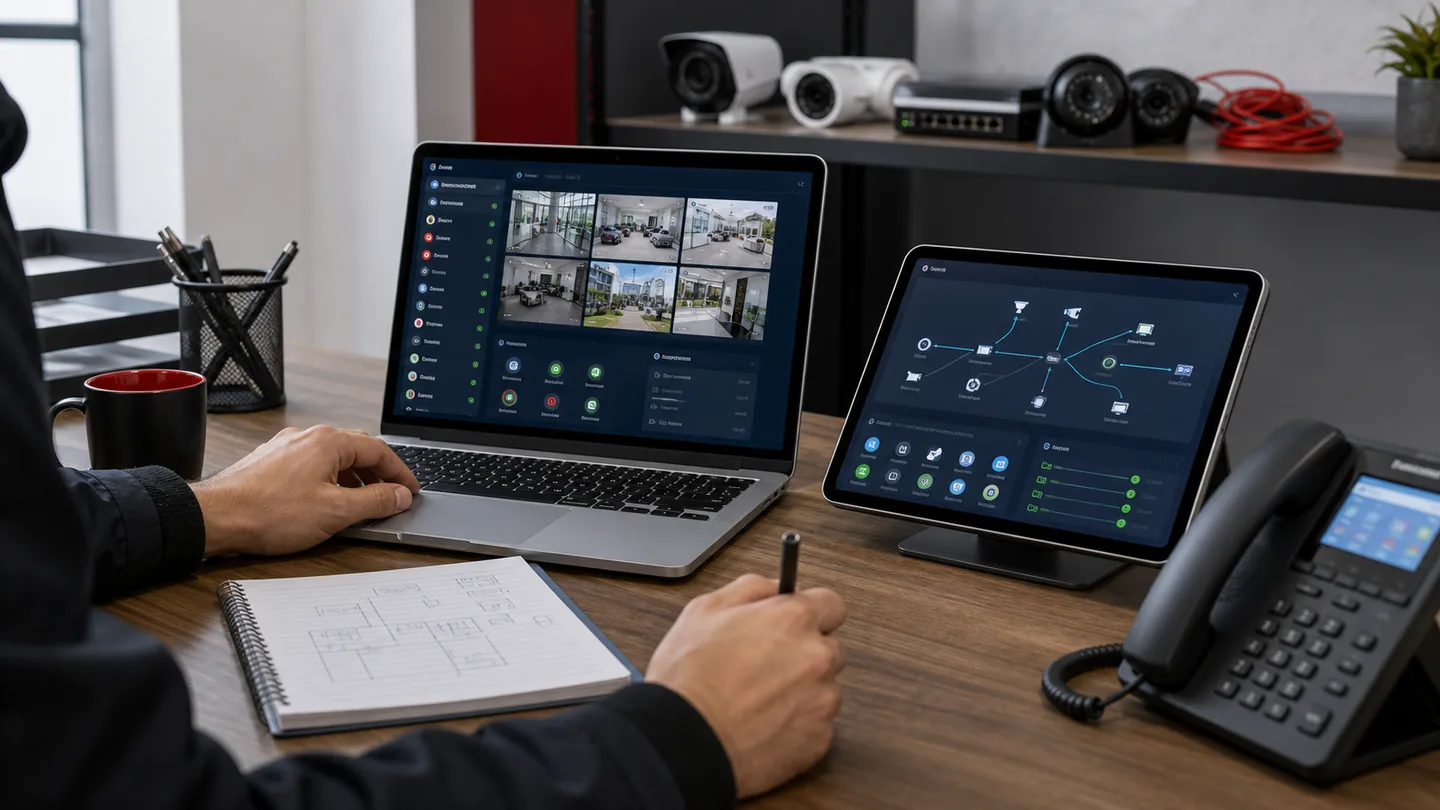
RMUsed for camera access, recording status, network reachability, app review and basic configuration checks when authorized access is available.
 FV
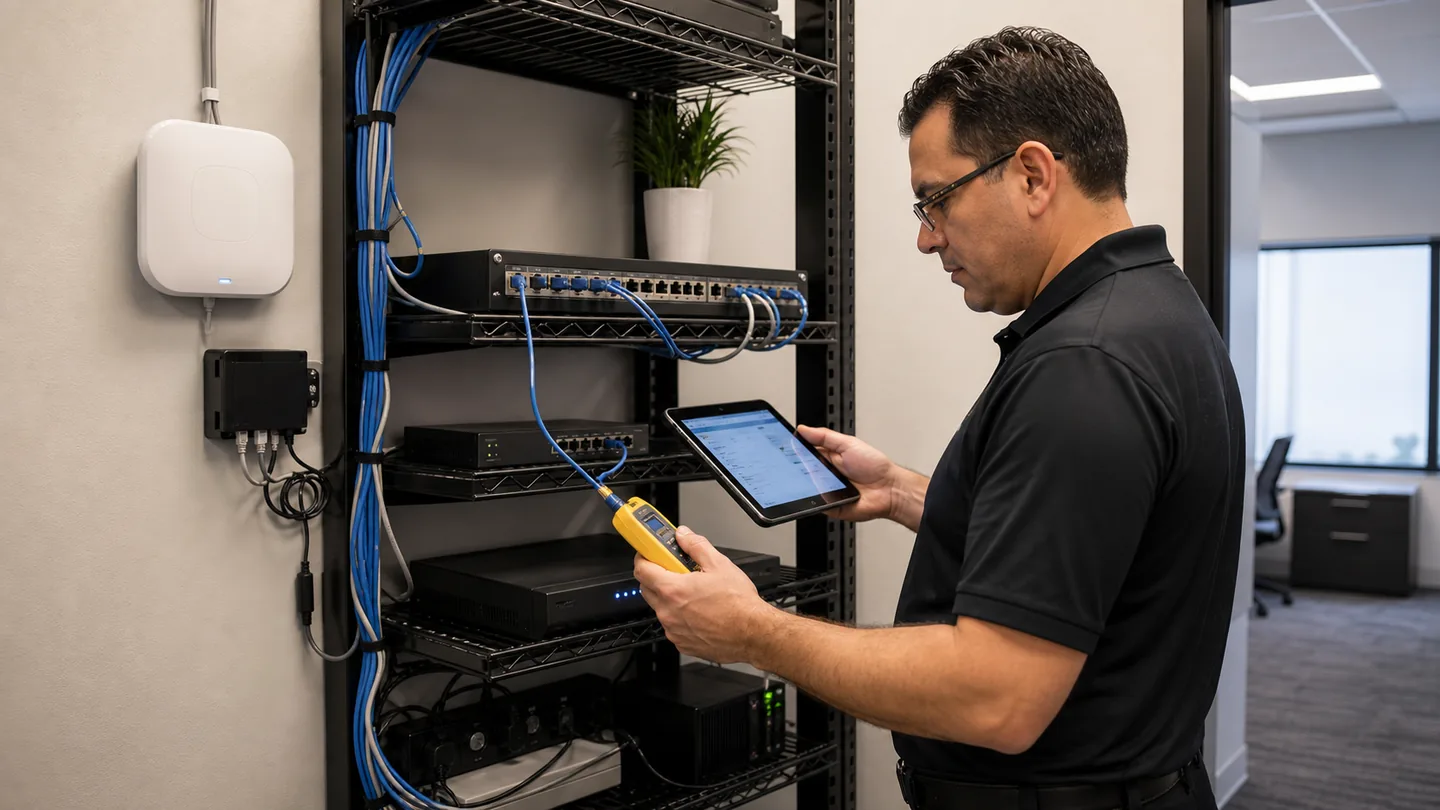
FVScheduled when the case requires equipment inspection, cabling tests, replacement planning, physical adjustment or onsite confirmation.
Support options
Without a plan, support is handled by availability. With a plan, the site receives defined response targets, priority and included support according to the selected level.
For clients who request help only when something happens. Tickets are accepted by availability and do not include guaranteed SLA, 24/7 support or priority over active plans.
For homes or businesses that want faster response targets, defined coverage and included remote or onsite support for documented Willdor systems.
Plan comparison
Response means ticket acknowledgment and initial communication. Action means the start of remote or onsite remediation.
Plan pricing is quoted by site and documented system inventory. Materials, third parties, upgrades, expansions and out-of-scope work require approval before billing or scheduling.
What to expect
Support is focused on restoring or verifying covered systems. Work outside the approved scope is quoted before it moves forward.
Ready to request support?
Include system type, site, symptoms, issue time, recent changes, photos or screenshots and the best onsite contact.