 RS
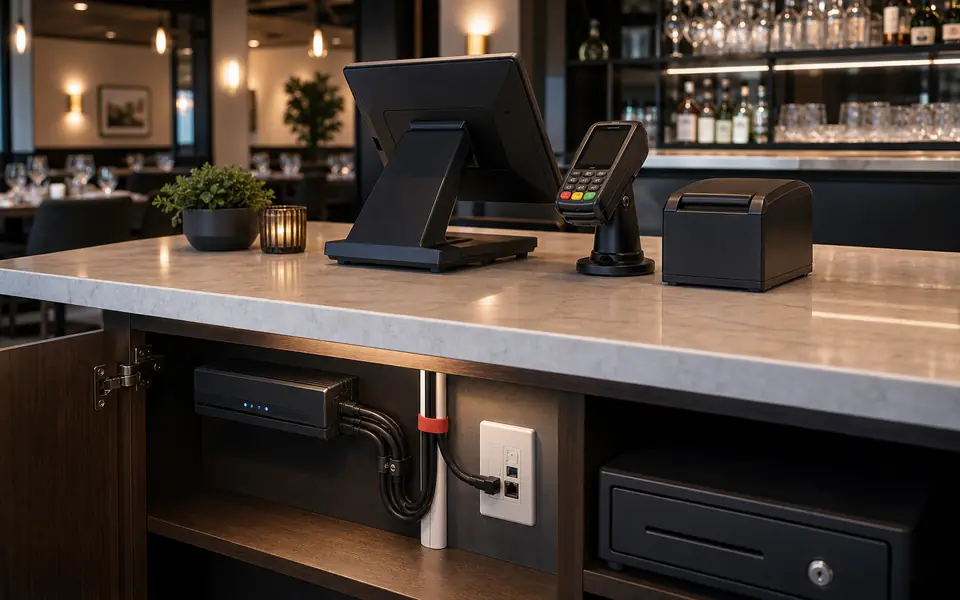
RSRestaurants and counters
Connections for terminals, printers, payment devices and service equipment in sales or customer areas.

Organized connectivity for POS stations, payment devices, back-office equipment and devices that depend on the network.
Where it creates value
A POS point does not depend only on the terminal. It also needs network access, cabling, device placement, organized access and clear coordination with providers when applicable.
 RS
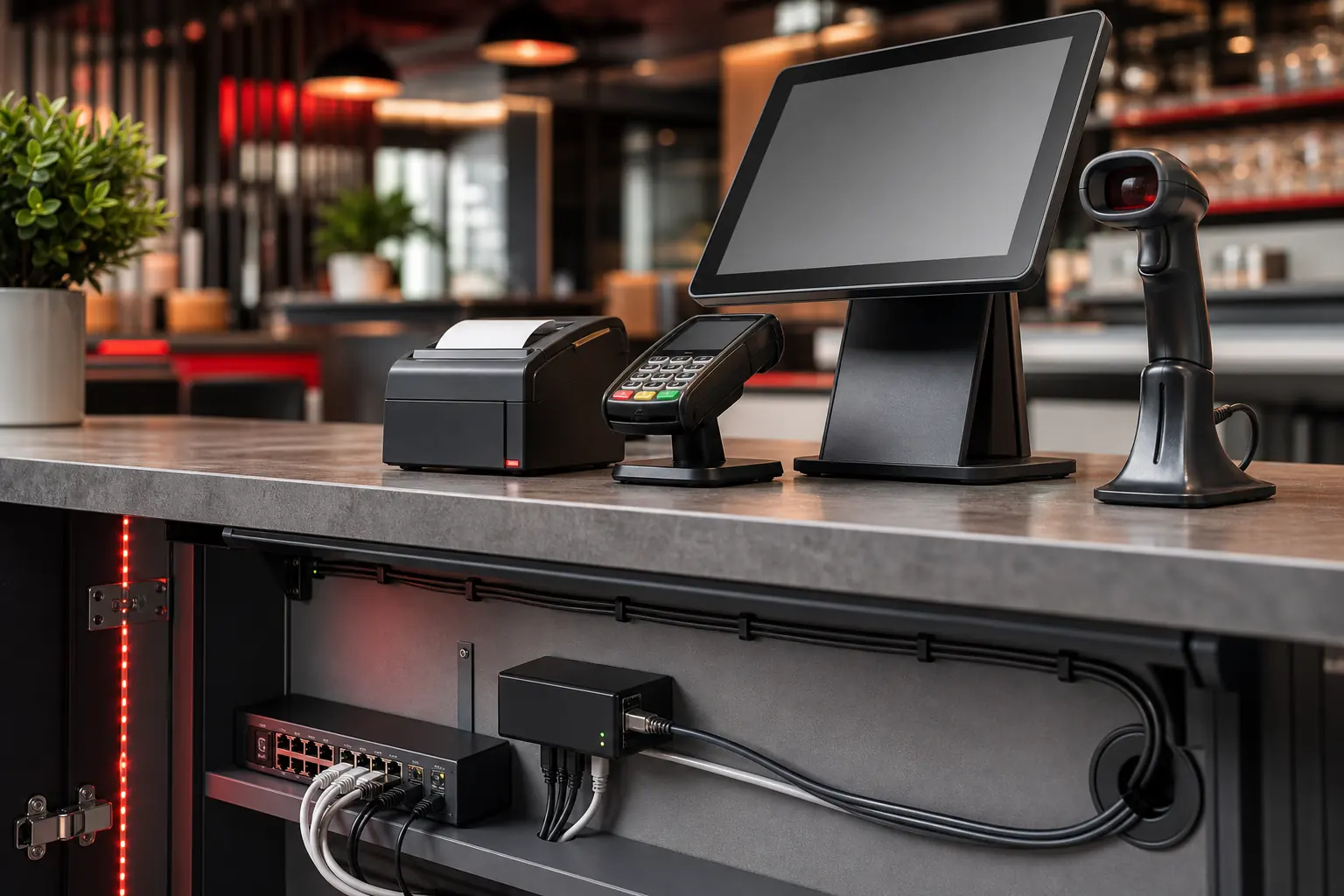
RSConnections for terminals, printers, payment devices and service equipment in sales or customer areas.
 RT
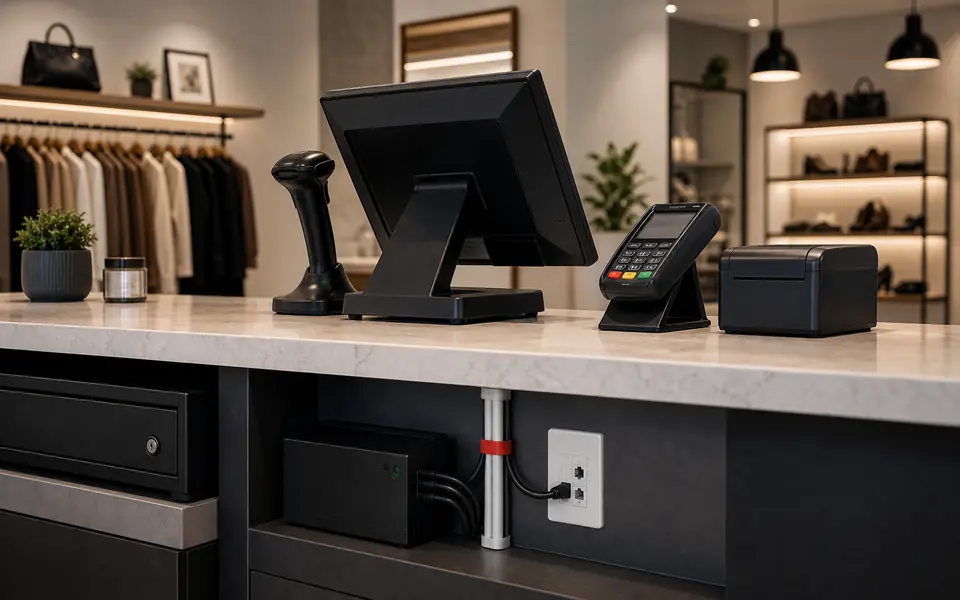
RTPreparation of payment points, scanners, printers and connected devices for daily commercial operation.
 BO
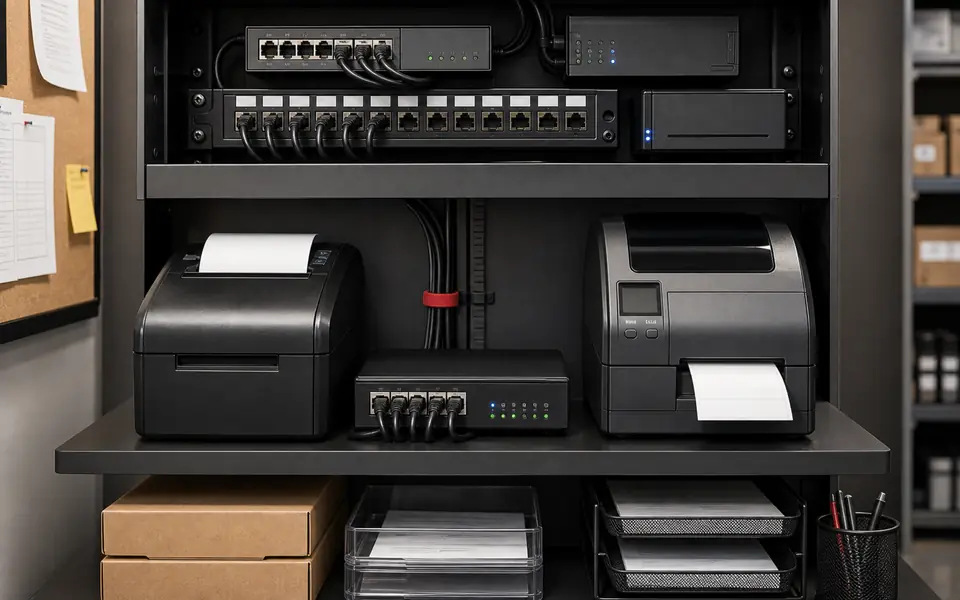
BONetwork and cabling for printers, administrative equipment, small switches and devices that support operations.
 NW
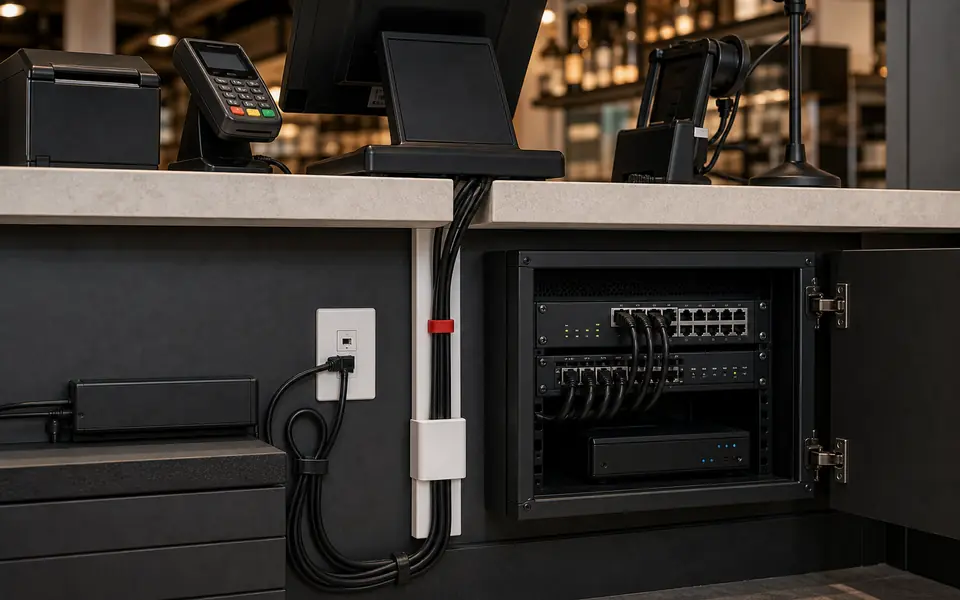
NWRoutes, ports, switches, Wi-Fi and dependencies so POS can coexist with cameras, signage and existing systems.
Technical scope
The scope is defined by the POS system, number of devices, existing network and physical conditions at the counter or back office.
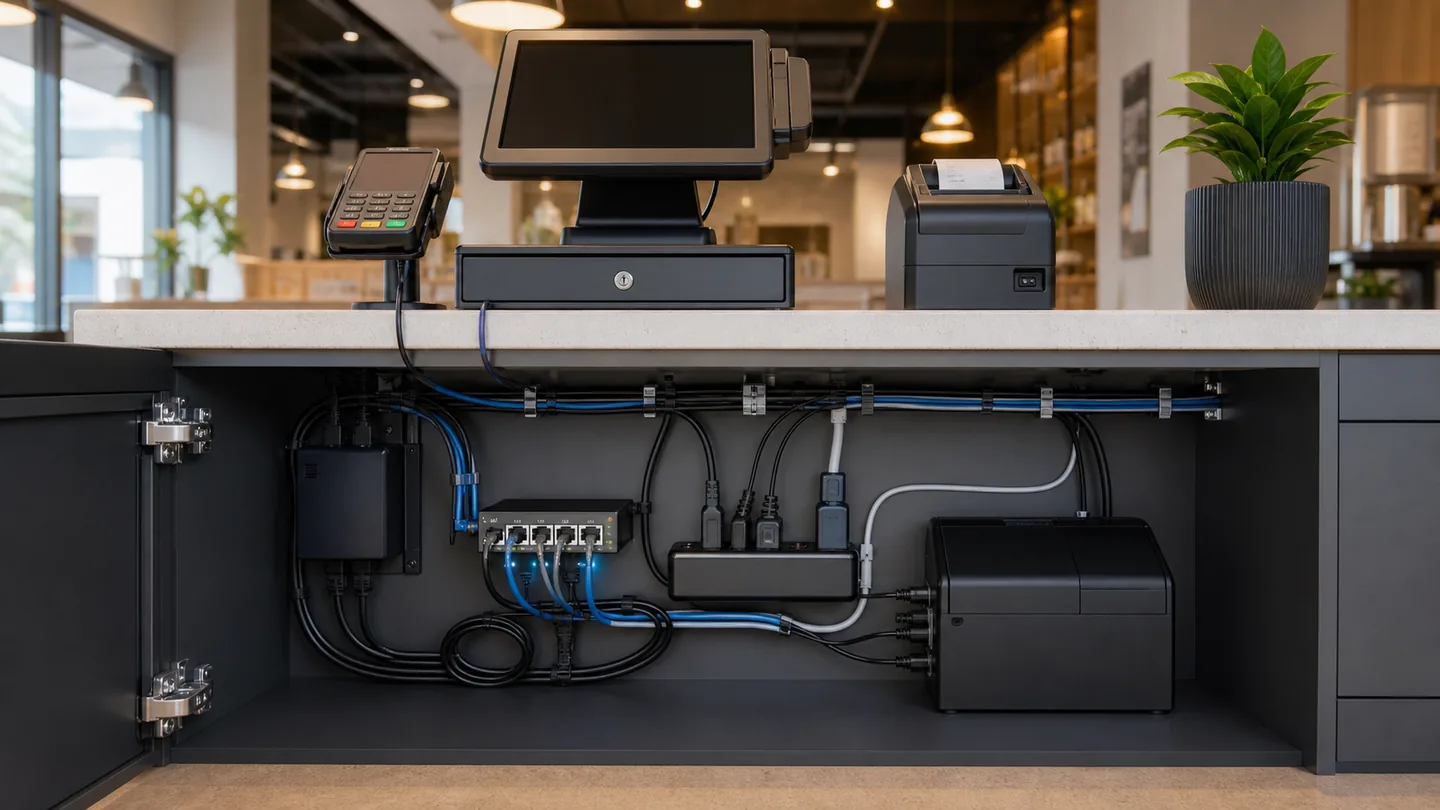
Location planning, cable pass-throughs, data drops, faceplates, patch cords and physical access to devices.
Payment devices, printers, scanners, tablets, mini PCs, back office and equipment that depends on network or cabling.
Work with the POS provider, ISP, merchant processor or client IT when configuration depends on third parties.
Project path
The scope defines routes, devices, network and responsibilities between installation, POS vendor and internet service before the counter is modified.
We identify POS positions, devices, existing network, possible routes and provider dependencies.
We define what will be wired, what depends on Wi-Fi, where equipment will be placed and what must be coordinated before installation.
Routes, terminations, connections and physical organization are completed according to the approved scope.
Network link, basic access, available power and conditions are reviewed so the POS provider can complete its part when applicable.
Maintenance and changes
POS devices change over time. An organized installation makes replacement, expansion, diagnostics and third-party coordination easier.
Tell us how many stations, devices and areas need connectivity. That information defines the technical scope before installation.